
If your insurance claim portal reports a password or contact change you did not make, contact the insurer through a trusted route promptly. Treat it as a possible security incident, not proof that money was stolen. Recovering your login and checking the underlying claim file are separate jobs: a successful password reset does not demonstrate that every unauthorised change has been reversed.
This is general information for Australian readers, not personal financial advice. Policy terms, the applicable Product Disclosure Statement (PDS), exclusions and individual assessment determine insurance entitlements. Account recovery does not establish claim acceptance or reimbursement for a scam loss.
Record the warning without following its instructions
Keep the unexpected notification, its arrival time and any visible account-change description. Do not click its login link, open unexpected attachments or call a number supplied in the message. An alert may be genuine, or it may itself be an attempt to obtain credentials. Open an already-installed insurer app or independently locate the insurer’s official website and contact channel.
In its scam guidance, Suncorp identifies unusual sign-ins, unexpected password resets, unrequested contact-detail changes and one-time-password messages as account-takeover warning signs. These are the provider’s examples, not a diagnosis of your account. A forgotten change by an authorised person is also something to investigate rather than assume.
Ask the insurer to secure access and preserve the history
Explain what you observed and when you last successfully accessed the portal. Ask how the insurer can verify your identity through its established recovery procedure. Do not supply a password, PIN or one-time authentication code to an unexpected caller, and do not install remote-access software at their request. Suncorp explicitly says it will not ask for passwords, PINs, multi-factor codes or remote device access.
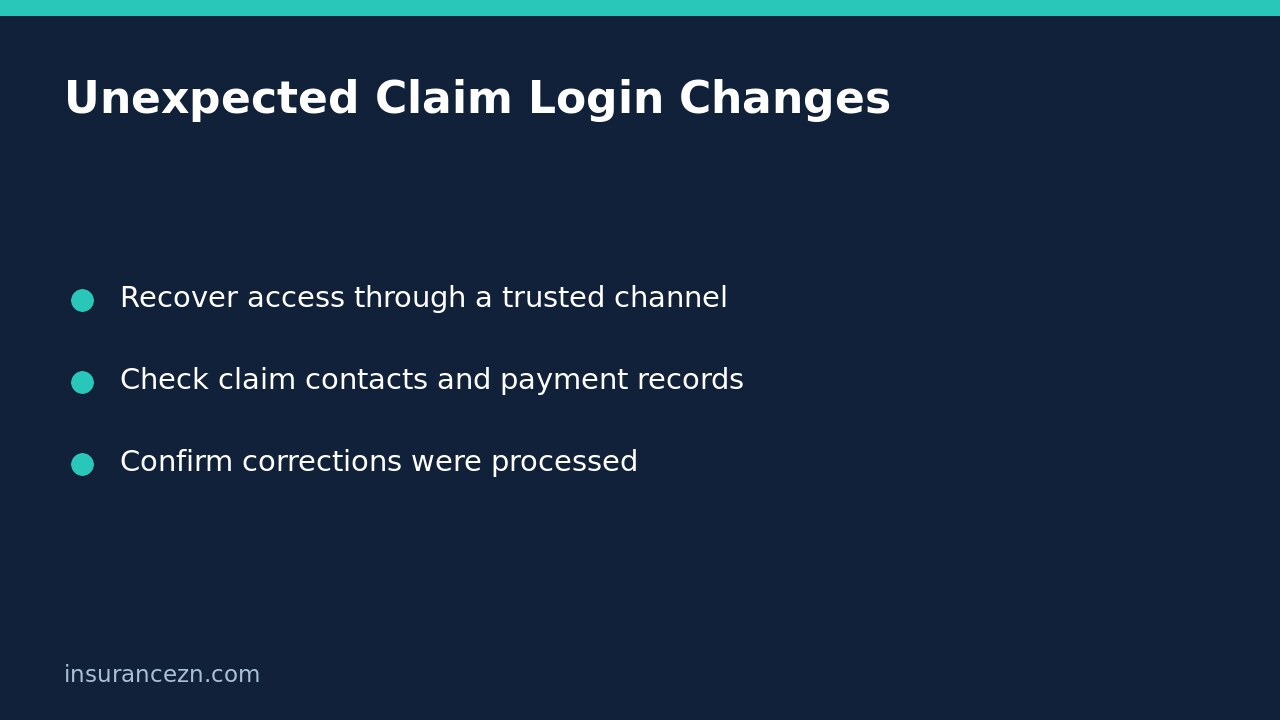
Ask whether the insurer can restrict suspicious access, review active sessions and preserve relevant account-change records. Available controls and recovery steps differ between systems; do not assume a password change automatically terminates every existing session. If you reused the affected password elsewhere, change those passwords too through independently accessed services. Use a unique password and enable multi-factor authentication where offered.
Reconcile the claim record, not only the portal profile
Once identity checks are complete, ask the claims team to review the existing claim reference. Work through a short list without posting full financial or identity details in an ordinary email:
- Recorded phone number, email address and postal address for claim communications.
- Any newly added representative or changed authority to discuss the claim.
- Payment destination details, whether a payment instruction changed and whether payment has already been released.
- Recent uploaded documents, messages, settlement responses or repair instructions you do not recognise.
- Outstanding requests and deadlines that may have been sent to an altered contact address.
Ask which entries actually changed, which remain under investigation and what the insurer has corrected. Do not describe an unfamiliar entry as fraud before the facts are checked. If documents appear missing, our guide to confirming attachments reached the correct claim file explains the separate allocation check.
Use a dated incident note to avoid confusing recovery with resolution
For example, a hypothetical customer receives an unrequested login-change alert, regains access and notices that claim notifications now go to an unfamiliar email. They should ask for both account recovery and claim-contact correction. The note can record four milestones: alert received, access recovered, claim record reviewed and corrections confirmed. Only mark a correction complete when the insurer confirms the processed record, not when a request is acknowledged.
If money was transferred or financial information was exposed, contact your bank immediately using its trusted channel. Suncorp’s guidance also recommends immediate bank contact after financial information has been shared. Ask the insurer about any pending payment urgently, but do not assume it can recover funds or stop a payment already released. Keep bank and insurer reference numbers distinct.
Final checks before closing the incident
Does restored access mean the claim is safe? Not by itself. Confirm the reviewed contact, authority and payment records and ask what monitoring or follow-up remains.
Should you lodge a second insurance claim? Do not duplicate the original claim simply to escape a compromised login. Ask how to keep communicating against the existing reference while recovery proceeds.
Are claim deadlines paused? Do not assume so. Ask for a secure alternative submission route and written confirmation of any agreed extension. Retain the incident chronology and follow up unresolved corrections through the insurer’s complaints process.