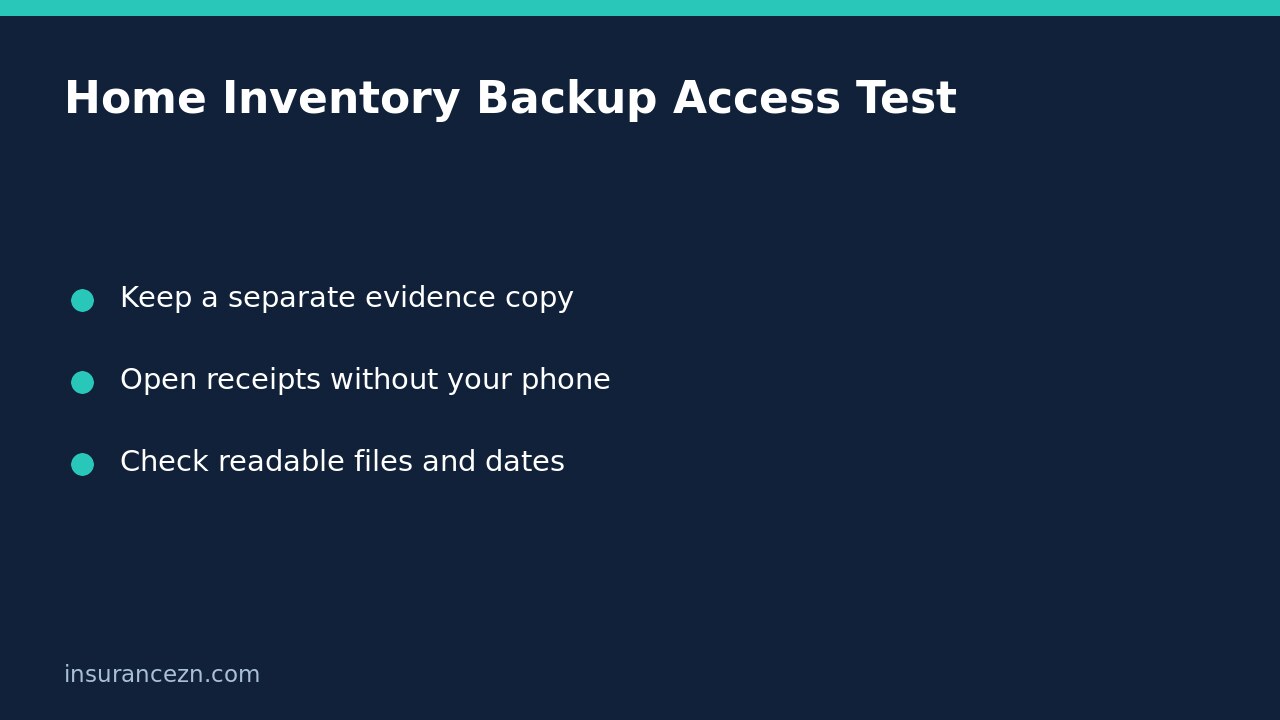

A home inventory stored only on your phone may be difficult to recover after theft, fire or damage to the device. Before relying on it, check that you can open a separate copy of the inventory and its supporting evidence without that phone. This is a practical document-access test, not a test of whether an insurer will accept a future claim.
Suncorp’s home inventory guidance recommends keeping backups of receipts, photographs and inventory records. Its article, dated July 2021, warns that changing phones or deleting or upgrading an app can result in lost documents. The enduring lesson is to keep an accessible independent copy; do not assume an older article proves that a named app feature is available today.
Decide what you need to recover
Start with a small evidence pack rather than trying to perfect a whole-house catalogue. Include the current inventory, several representative receipts, photographs showing items in the home and readable pictures of serial numbers or identifying marks. A list of filenames is not a substitute for opening the files themselves.
Suncorp explains that evidence may include receipts, valuations and photographs, with purchase date, seller, purchase cost and serial numbers where relevant. These are useful records to preserve, not a universal guarantee that any particular document will satisfy every insurer. If an item lacks a receipt, label the missing evidence honestly rather than inventing a purchase date or price.
Give the inventory a review date and link each item to its evidence using a simple identifier. For example, a television entry could refer to TV01-receipt and TV01-serial-photo. Keep original documents where available; an edited summary should not silently replace them.
Choose a copy that does not share the same failure
An extra folder on the same phone is not an independent backup. Nor does a drive kept beside that phone protect against every event affecting the room. Consider where your copy is stored, which device is needed to access it and whether the same loss could remove both versions.
- For a digital inventory, consider a separate storage device or a suitable cloud service with protected account access.
- For paper records, keep a separate copy away from the home, with appropriate privacy safeguards.
- Protect receipts and photographs from unnecessary sharing, especially where they reveal addresses, signatures or valuable-item locations.
- Keep account-recovery information securely and separately from the device whose loss you are planning for.
These are storage choices, not endorsements of a particular provider. Understand the storage service’s recovery process and costs. Do not weaken authentication or give somebody unrestricted account access merely to make recovery easier.
Run a safe, read-only access test
Leave the original inventory intact. Using a trusted alternative device or your separate paper copy, check whether you can locate the latest inventory without using the original phone. Do not factory-reset, delete accounts or deliberately lock yourself out for this exercise. If authentication requires the phone, identify a supported recovery route before relying on the arrangement.
- Find the backup and note the date of the inventory it contains.
- Open a receipt and check that the merchant, item description and amount are readable.
- Open a full-size serial-number photograph, not just a thumbnail.
- Follow an inventory reference to the correct supporting file.
- Check a recently added item to see whether updates actually reached the backup.
Write down the result and any gaps. Seeing a cloud-sync icon or a folder name is weaker evidence than opening the documents from the separate copy. A successful test establishes access at that time; it does not guarantee future availability, file integrity or insurer acceptance.
Fix missing evidence without destroying the old version
Imagine a hypothetical household that added a new washing machine to its phone inventory but never copied the receipt to the backup. The access test reveals the gap before any loss occurs. The household can preserve the existing backup, copy the missing receipt and repeat the check, rather than discovering the omission during a claim.
If an old inventory conflicts with a newer one, keep dated versions while resolving the difference. Mark sold or replaced items clearly so they are not mistakenly presented as possessions at the time of a later event. Historical ownership records and a current contents list serve different purposes.
For the broader planning task, see our contents inventory planning guide. If a valuable item has changed physically, a backup alone does not update its insured description; our guide to remade jewellery and insurance descriptions addresses that separate issue.
What this check does not prove
Does a recovered receipt guarantee a claim payment? No. Ownership evidence is only one part of assessment. The event, item, policy terms, limits, exclusions and settlement rules still matter.
Does an inventory change amend the policy? No. If a valuable item needs to be specified or a sum insured reviewed, contact the insurer and confirm any accepted amendment separately. Uploading evidence is not proof that cover changed.
This is general information for Australian readers, not personal financial advice. Read your policy wording, relevant PDS and applicable limits and exclusions. Confirm evidence requirements and any requested policy changes with your insurer.