
If you add arrows, circles or captions to insurance claim photographs, keep the original files and identify the annotated versions as copies. An explanation should help a reviewer find the feature you mean, not replace the underlying evidence or turn a suspected cause into an established fact.
This is general information for Australian readers, not personal financial advice. Evidence requirements and claim decisions depend on your policy, Product Disclosure Statement (PDS), schedule and circumstances. The organisation method below is a practical suggestion, not a universal insurer submission rule.
Separate the photograph from your explanation
A photograph and a caption perform different jobs. The photograph records an appearance from a particular position. A caption identifies the location or explains what you want reviewed. Neither necessarily proves when damage began, what caused it or whether the policy covers it.
For example, a circle around a ceiling mark may help locate the concern. A caption saying ‘brown mark above dining-room doorway, photographed after the storm’ describes an observation and sequence. Writing ‘storm entry proved’ goes further than the image alone may support. If the cause is uncertain, say so and supply any qualified report separately.
Make a clearly labelled working copy
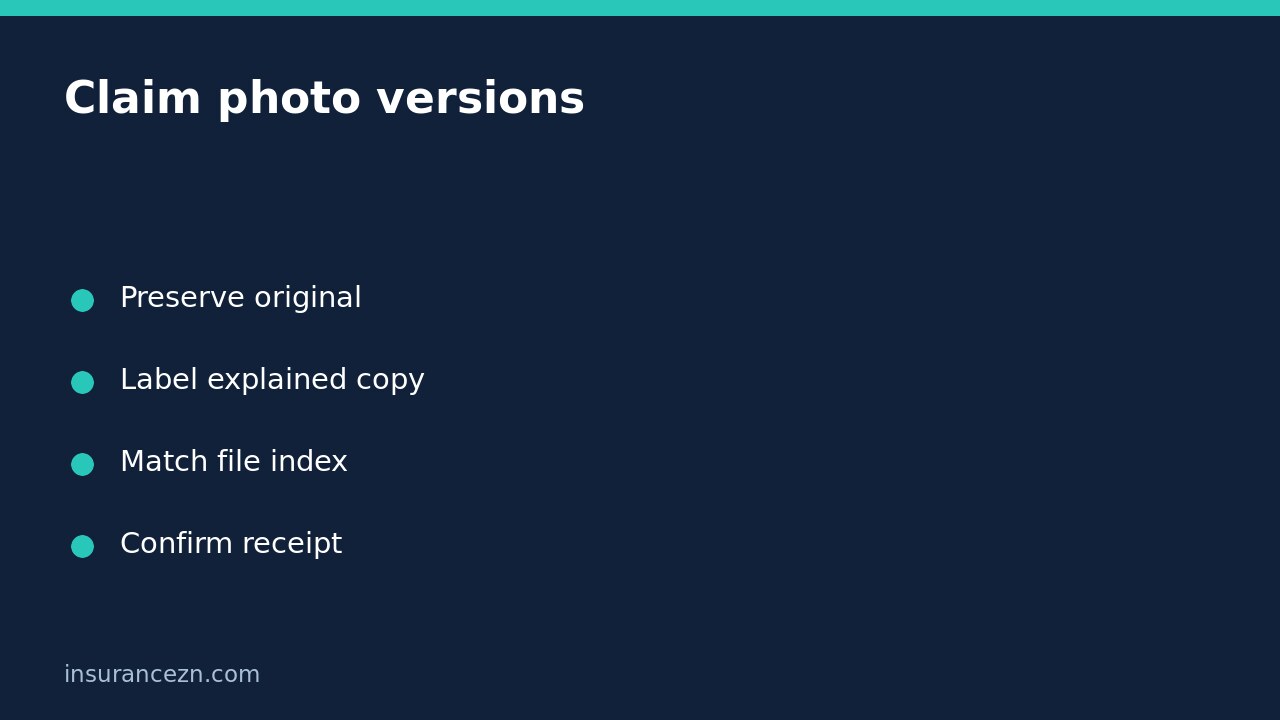
Before editing, retain the original in a separate folder and make an additional secure backup. Use a copy for arrows or captions. Avoid filters, object removal or changes that could obscure the actual condition. Do not overwrite the original just because the annotated copy looks easier to understand.
- Give the original a stable reference in your index, such as PHOTO-01.
- Create an explanation copy and label it PHOTO-01-ANNOTATED.
- Record what was added: for example, a circle identifying the area for review.
- Keep the connection between the two files in the accompanying message.
These labels are examples, not mandatory insurer filenames. Ask which file formats, sizes and submission channels the insurer accepts before sending a large folder. A screenshot of an image or a messaging-app copy may contain less detail than the original; do not describe it as the original capture if it is not.
Build a small version index
Suppose you have a wide room photograph, a close view and an annotated copy of the close view. List three files, but explain that the third is a version of the second, not a third independent observation. This helps avoid an inflated or confusing evidence count.
Your index can include filename, room or item, capture date if known, photographer or source, version relationship and short description. Mark uncertain dates as uncertain. If a contractor supplied an image, keep the accompanying message and identify that source rather than implying you took it yourself.
Do not alter a timestamp or recreate damage to fill a gap. If an earlier image is missing, explain the limitation and ask what other records would assist. For damage from different incidents, also read our guide to keeping a second home-damage event separate from the first claim. Similar-looking marks do not establish a shared cause.
Send the pair with a precise cover message
AAMI’s claims overview describes managing photos and documents online for eligible policies. It also lists products for which its Claim online channel is unavailable. That supports checking the actual channel for your policy, not assuming every insurer or product accepts the same upload process.
A useful message is: ‘For claim [reference], PHOTO-01 is the original image; PHOTO-01-ANNOTATED adds a circle to identify the area I am asking you to review. Please confirm both versions reached this claim and advise if another format or inspection is required.’ Keep the submission record. Upload success, correct allocation, review and acceptance are separate outcomes.
Quick questions before sending
Should I send only the clearer edited version? Ask the insurer what it needs, but retain the original and disclose the edits. Do not imply the explanation copy is untouched evidence.
What if I already overwrote the original? Check a genuine backup or the photographer’s retained file. If it cannot be recovered, explain what changed rather than fabricating an original.
Does a complete photo pack guarantee payment? No. Coverage, cause, loss and repair costs still require assessment. Protect privacy, use approved channels and never enter unsafe areas just to obtain a better photograph.