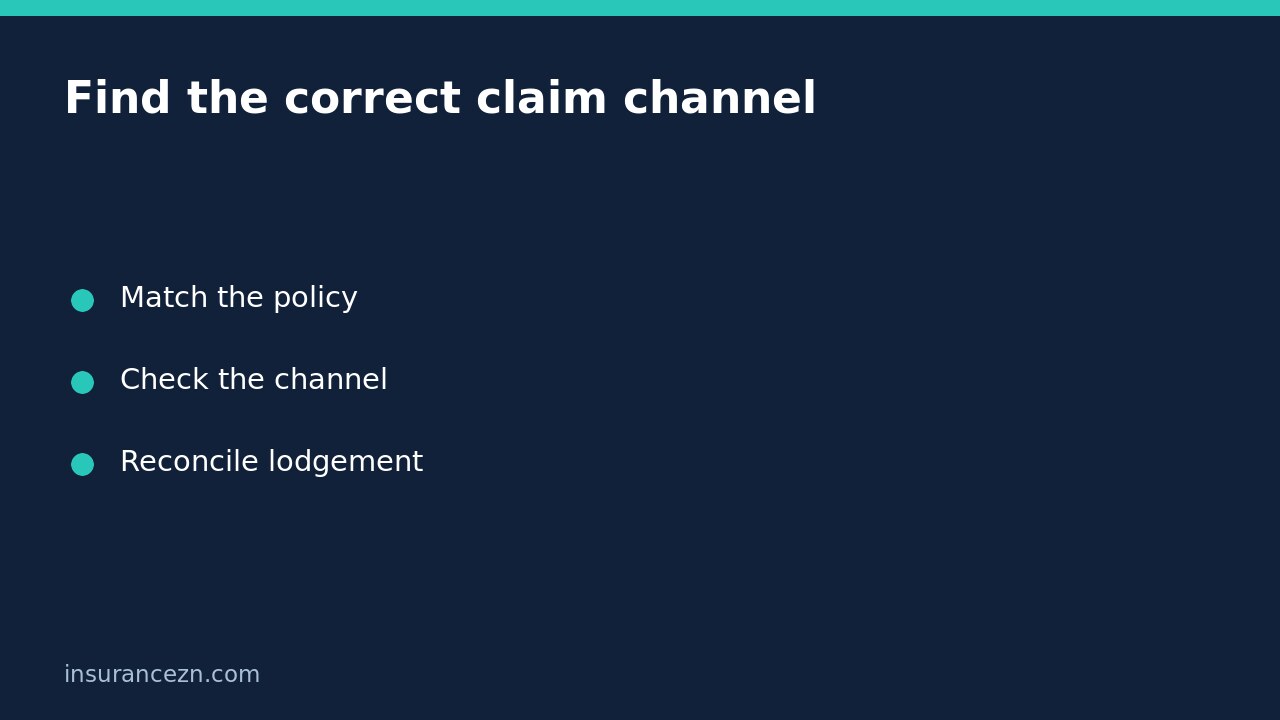

An insurer’s online claim form being unavailable for your policy does not, by itself, mean your insurance claim has been rejected. A digital service can accept only certain products or situations. Check the policy type, use the insurer’s official instructions for that product and establish whether anything was actually lodged before starting another submission.
The mistake to avoid is treating a website’s channel restriction as a decision on your entitlement. The reverse is also unsafe: reaching a form, receiving an upload acknowledgement or obtaining a reference does not establish that the loss is covered.
Identify the policy before choosing the form
Find the insurer, product name and policy number on your schedule or other official policy documents. Distinguish comprehensive car cover from third party property damage cover, and property cover from compulsory motor injury insurance. Similar branding or a shared account login does not make the claim processes interchangeable.
For a concrete provider example, AAMI’s make-or-track-a-claim page lists online claim facilities for eligible products, while its disclaimer excludes specified policy types from the general Claim online service. Its page also offers separate product pathways, including a NSW compulsory third party route. This illustrates why you must read the exact channel description; it is not a rule about every Australian insurer or every AAMI digital service.
Do not force a different product into the form
If your product is absent from a menu, do not select a nearby option simply to advance. Choosing comprehensive car when you hold third party property damage can send the account down an unsuitable workflow. Likewise, a home claim form is not evidence that business stock or business liability can be claimed through it.
Return to the verified insurer website and look for the product-specific claims instructions. If those instructions are unclear, contact the insurer through a verified channel and ask: “Which lodgement method applies to this exact policy and incident?” Do not rely on a search advertisement, unsolicited message or third-party directory as confirmation of the insurer’s current process.
Use a channel-switch checklist
- Record which page you used and the wording of the restriction.
- Check whether you were only browsing, had started a draft or completed submission.
- Save any reference and the time of your last attempt.
- Ask the claims team whether an existing record can be continued or transferred.
- Follow the confirmed product-specific route and identify any earlier attempt.
- Obtain a lodgement reference and ask what information is still required.
You do not need to share login credentials to explain a form problem. A screenshot can be useful, but remove passwords, unrelated account information and other people’s sensitive details before sending it through a suitable secure channel.
Separate a technical problem from an ineligible channel
A form that fails to load is different from a page explicitly saying your product cannot use that service. Describe what happened rather than diagnosing the cause yourself. Ask for an alternative reporting method and whether any policy reporting requirement needs attention while the technical issue is resolved. Do not assume that a failed web session pauses a deadline.
For example, a policyholder with third party property damage cover may see the comprehensive motor claim option and assume they have no way to report an accident. The useful next step is to confirm the correct route for their policy, not to infer either rejection or cover. The insurer must still assess the circumstances against the actual contract.
Reconcile the outcome after changing routes
If you received an ambiguous response during the first attempt, ask whether a claim already exists before submitting again. Give the earlier reference if available. Request confirmation of the correct policy, incident date and claim reference on the active record. If two references appear, ask the insurer how they relate; do not cancel one yourself on the assumption it is a duplicate.
A lodged claim is still not an accepted claim, repair authorisation or payment approval. Ask which stage has actually been reached. If the problem becomes an unresolved service issue, distinguish a request for help from a formal complaint; the related claim delay and complaint guide explains that separate reader task.
Short FAQ
Does an online reference guarantee cover? No. It may identify a submitted record without resolving policy eligibility or the claim decision.
Should an urgent situation wait for the right form? No. For immediate danger or injury, prioritise emergency help. AAMI’s overview specifically directs people to call 000 for danger or injury; insurance administration should not delay urgent care.
What is the final check? Confirm the correct product channel, actual lodgement outcome and remaining requirements, keeping a copy of each response.
General information: This is general information for Australian readers, not personal financial advice. Cover and claim obligations depend on your policy, PDS, exclusions and applicable conditions. Provider-specific online arrangements are not universal rules or guarantees of acceptance or payment.