
If your insurer keeps requesting a document you have already sent, first ask whether the attachment was recorded against the correct claim. A successful email, upload acknowledgement or visible filename does not establish that the right claims team can open the document, that it has been reviewed or that the evidence has been accepted.
For Australian policyholders, the useful next step is an attachment reconciliation under the existing claim reference—not a second claim for the same incident. This article concerns evidence sent after a claim exists, rather than whether an online claim draft was submitted.
Match the incident and reference before resending
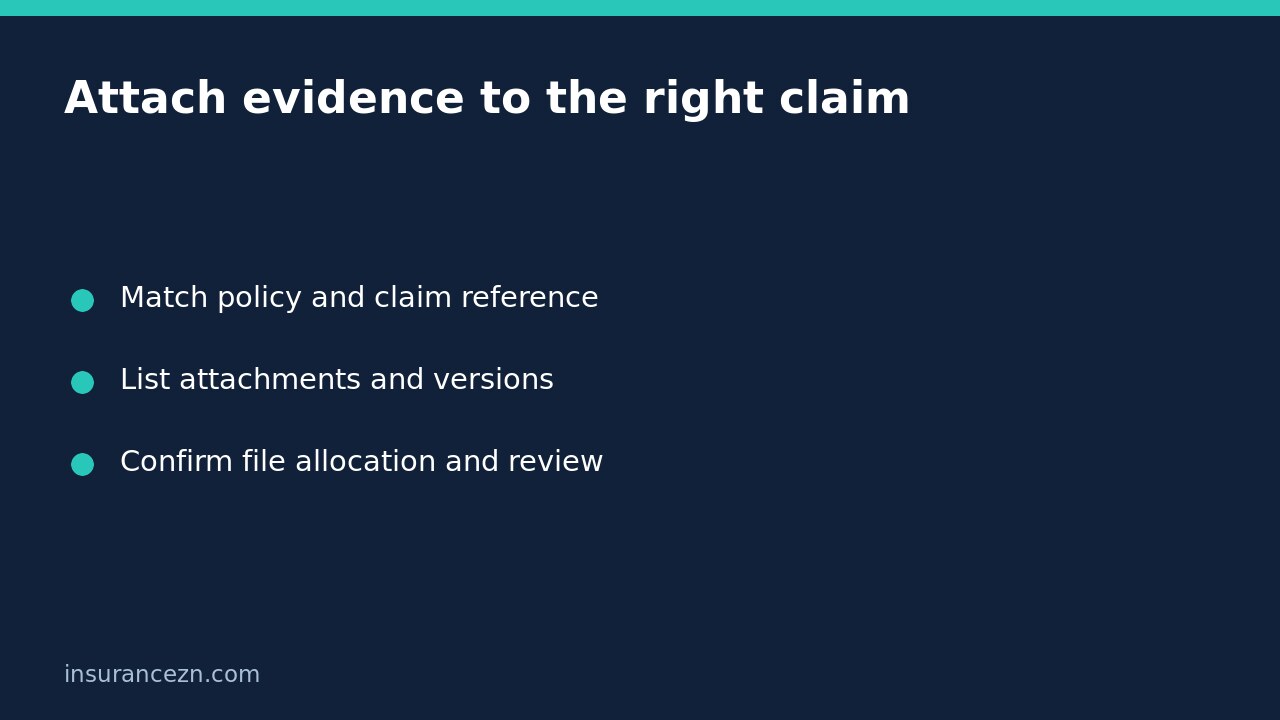
Check the claim number in the insurer’s confirmation against the reference used on your message or upload. Keep the policy number separate: it identifies the insurance contract, not necessarily the particular incident. If you have two claims open, record the incident date, property or vehicle and insurer reference for each before attaching anything else.
Use the insurer’s official portal or verified contact instructions. Do not follow an unexpected attachment link simply because a message mentions your loss. If a supplier requests evidence, ask whether they receive it for their work only or whether it also becomes part of the insurer’s claim file.
As one provider-specific example, Suncorp’s home claims instructions say customers can upload proof of ownership, invoices and receipts through their My Suncorp Account or app, or email documents with the claim number in the subject line. That supports using a claim-specific channel and reference; it does not establish every insurer’s process or prove any particular upload was assessed.
Create an attachment list the handler can check
Instead of forwarding a large email chain without explanation, make a compact list. For each document include its descriptive filename, document date, what it supports, when you sent it and the channel used. Retain the original document and the original acknowledgement.
- Identify an invoice by supplier, invoice number and date, not just ‘receipt.pdf’.
- Explain which damaged item or repair location a photograph shows.
- Label a revised quotation clearly and identify which earlier version it replaces.
- Keep proof of payment separate from the invoice requesting payment.
- Record any upload error or unreadable-file message exactly rather than treating it as successful receipt.
A useful example is: ‘I uploaded the electrician’s itemised invoice through the claim portal on Tuesday. The portal showed the filename, but your latest request still asks for it. Please confirm whether this document is readable and allocated to this claim, and whether a different invoice detail is required.’ This asks an answerable question without claiming that the invoice proves cover.
Separate received, allocated, reviewed and accepted
Ask the handler to distinguish four stages. First, was the attachment received? Second, is it allocated to the correct incident and claim? Third, has the relevant assessor reviewed it? Fourth, what decision, if any, has been made about the cost or loss it supports?
An acknowledgement may answer only the first question. A document shown in your portal may still leave allocation or review unclear. Conversely, a request for more information may concern missing detail within an invoice rather than a missing invoice. Ask what is absent before sending the same file repeatedly.
If the insurer says evidence was sent to the wrong claim, request confirmation of the corrected allocation and identify the original and destination references. Keep the original sending record. Do not assume a promise to transfer it means the transfer has been processed.
Resolve versions without losing the audit trail
If you discover that you sent an outdated quote, explain the difference and provide the current version using the insurer’s accepted channel. Preserve the superseded copy in your own records; do not silently overwrite it and leave the handler unsure which amount you seek.
Do not alter an original invoice to make it match a claim. Ask the issuer for an accurate corrected document where necessary. A changed quote or invoice does not itself authorise additional repairs, prove causation or guarantee reimbursement. If a factual report is wrong, use a separate assessor-report correction request rather than burying the correction in unrelated attachments.
Final checklist before another upload
Should I resend immediately? If the insurer gives a clear instruction to resend through a verified channel, follow it and label the file. Otherwise, first reconcile what is missing, particularly when multiple claims or document versions exist.
What if the insurer confirms receipt but nothing happens? Ask who owns the next action, what remains outstanding and when to expect a response. If you wish to make a complaint, say so explicitly and use the insurer’s complaint process; an ordinary evidence message may not communicate that intention.
Keep your final record simple: correct claim reference, attachment list, processed allocation confirmation, outstanding assessment questions and agreed next action. Never describe evidence receipt as coverage acceptance, repair authority or payment approval.
This is general information for Australian readers, not personal financial advice. Your policy, schedule, applicable PDS and insurer’s evidence requirements govern the claim. These administrative checks do not create cover or change a claim decision.