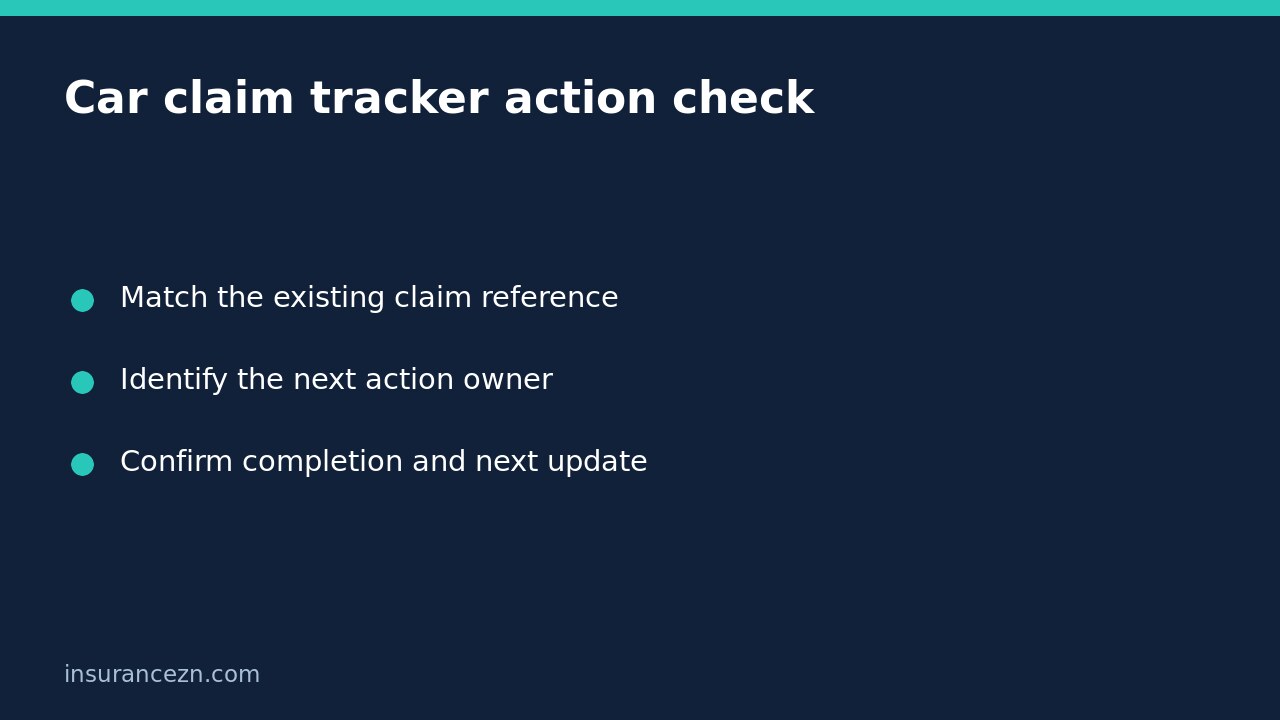

If an online car insurance claim tracker looks unchanged, first find out which action is actually outstanding. A broad status label may not tell you whether the insurer needs information from you, is waiting for an assessment, or has already authorised a step that still needs arranging. Use the existing claim reference rather than lodging a second claim to obtain a fresh update.
This is general information for Australian readers, not personal financial advice. Your policy, PDS, schedule, exclusions and claim circumstances determine cover. Tracker access, document receipt and appointments do not establish claim acceptance, repair authorisation or payment approval.
Match the tracker to the correct claim
Use the insurer’s official website or app, reached through a trusted route rather than an unexpected message link. Match the claim number, insured vehicle and incident details before acting. If there are multiple incidents or vehicles, do not assume the first visible record is the one you are trying to progress.
Save a dated note of what the tracker shows, including any outstanding request. Avoid treating an unchanged screen as proof that no work has occurred. Equally, do not infer a processed decision from a brief message saying that documents have been received.
In its comprehensive car claims instructions, Suncorp describes providing a claim number and email confirmation after lodgement. It also describes online functions including paying an excess, managing vehicle assessments, viewing an authorised repairer and managing an eligible hire-car booking. Those are Suncorp’s described functions, not a universal list of features for Australian insurers.
Turn the status into one answerable question
Ask the claims team: ‘For claim [reference], what is the next outstanding action, who is responsible for it, and is anything needed from me?’ Request the relevant document, assessment or decision by name. This is more actionable than repeatedly asking whether the whole claim is finished.
- Information outstanding: identify the exact document or missing field and acceptable ways to supply it.
- Assessment outstanding: establish whether an appointment needs booking, has occurred or is awaiting a report.
- Repair stage unclear: ask whether a repairer has only been nominated or whether a defined repair scope is authorised.
- Payment or excess unclear: ask for the recorded amount and processing stage rather than assuming a bank transaction settled the issue.
The tracker may not expose all these details. Use the insurer’s ordinary claims contact channel for clarification and record the explanation against the same claim.
Reconcile completed actions before repeating them
Consider a hypothetical driver whose tracker still asks for photographs after an upload. The driver should preserve the upload confirmation, filenames and submission time, then ask whether the images are attached to the correct claim and readable. Uploading another identical set without checking can add confusion without resolving allocation or review.
If the insurer says a different photograph is required, identify what it must show and how to provide it safely. Do not revisit an unsafe vehicle location or attempt dismantling simply to satisfy a vague request. Explain limitations and ask about alternatives.
Similarly, do not pay an excess again solely because the screen has not changed. Provide the previous transaction details through a secure channel and ask the insurer to reconcile the payment with its claim record.
Keep bookings separate from decisions
An assessment booking is an opportunity to inspect the vehicle, not proof that all reported damage has been accepted. A repairer appearing on the tracker does not necessarily mean every item on a workshop quotation is authorised. Ask for the approved scope and identify any customer-paid work separately.
Suncorp describes hire-car management as available if eligible. A visible booking feature does not establish your entitlement, approved dates or permission to extend a rental. Confirm the particular booking and responsibility for additional charges before relying on it.
Record the next milestone and follow up precisely
Keep a simple log with the date, person or channel contacted, outstanding action, responsible party and promised next update. If an estimate passes, follow up using that specific milestone and ask what has changed. Do not treat an estimated completion date as a guaranteed settlement deadline.
If the problem becomes dissatisfaction with handling rather than a need to identify the next step, use our separate guide to progress enquiries versus formal complaints. Repeated tracker checks do not preserve every legal or contractual deadline.
Should I create another claim if tracking fails? First contact the insurer with the original reference and ask how to restore access or obtain an update. Reconcile any uncertain submission before starting another one.
What is a useful finished check? You should know the next action, its owner, any evidence you owe and when to ask again. That clarity improves administration without promising the claim’s outcome.